Ways to Listen
Listen everywhere
Why settle for old-fashioned crackling radio when you can listen online in clear digital sound — anytime, anywhere in the world?
Webplayer
Listen directly on our website. Tap the player at the bottom of the screen and you're live.
Direct stream
Drop our stream URL into your favorite media player — VLC, Winamp, Sonos, anything that speaks internet radio.

TuneIn
Find Revival FM on TuneIn. Press play, add us to your favorites, and we travel with you across every TuneIn-supported device.
On your phone, tablet or computer
The easiest way to listen is right here on revivalfm.com. Tap the player, turn it up, and you're live.
You can also listen through TuneIn. Search for Revival FM, press play, and add us to your favorites.
 Siri
Siri"Hey Siri, play Revival FM."
 Google
"Hey Google, play Revival FM."
On Siri and Google
Revival FM works with voice control. Just say the words — that's it. No complicated setup. No extra words needed.
In the car
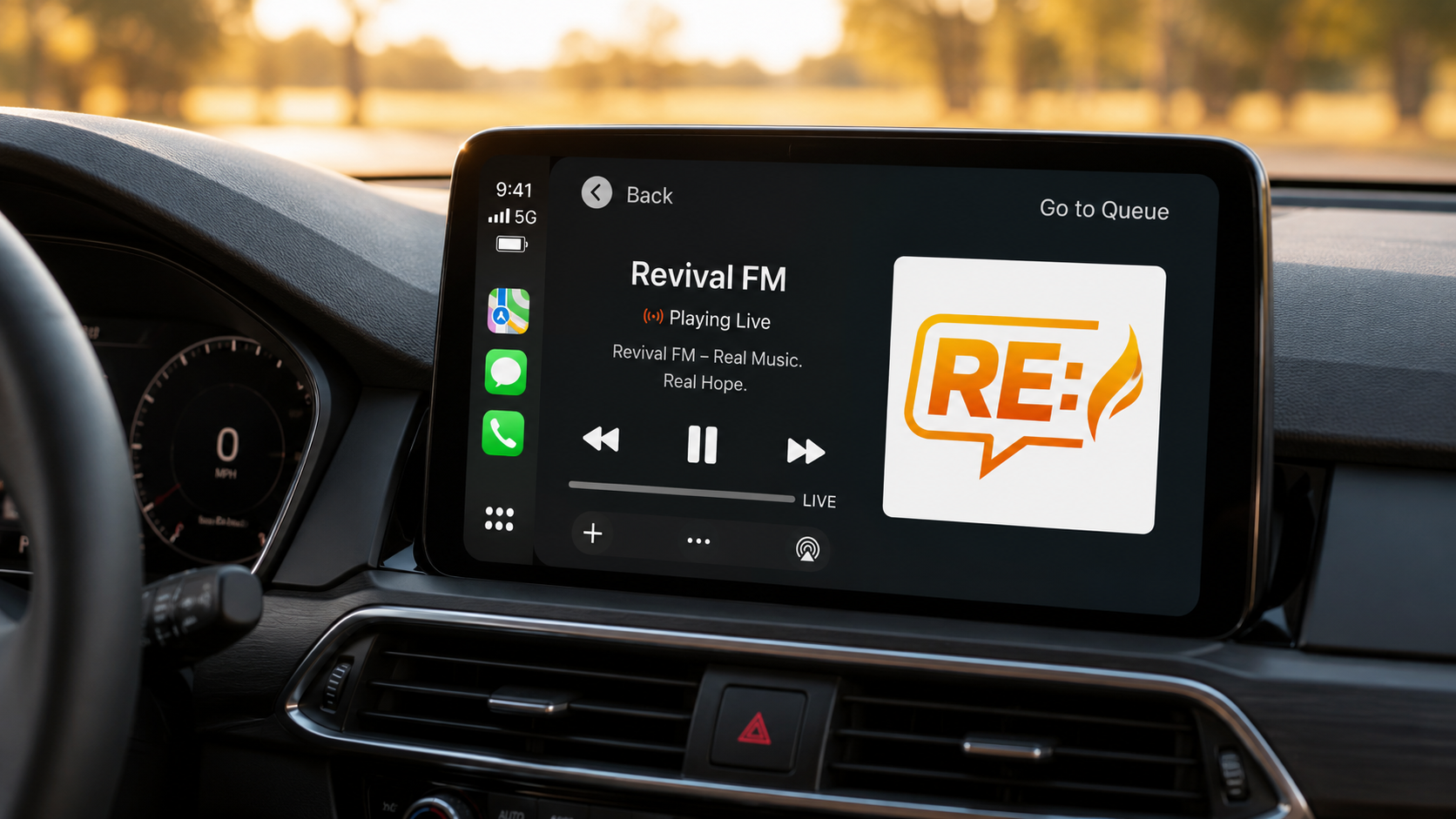
Take Revival FM on the road. Stream from your phone and connect it to your car by Bluetooth, Apple CarPlay or Android Auto. You can also use TuneIn in supported car systems.
Wherever the road takes you, Revival FM goes with you.
 Apple CarPlay
 Android Auto
 BluetoothTuneIn
 Sonos
Sonos Amazon AlexaTuneIn
On smart speakers and home audio
Listen through smart speakers, connected audio systems and internet radio devices. Use TuneIn where available, or add our direct stream URL to systems that support custom internet radio streams.
That means Revival FM can play through many Wi-Fi radios, Sonos-style systems, stereo streamers and standalone internet radio receivers.
Revival FM on radio directories
We're listed on all major online radio directories worldwide. Pick your favorite platform, hit play, and add Revival FM to your presets.
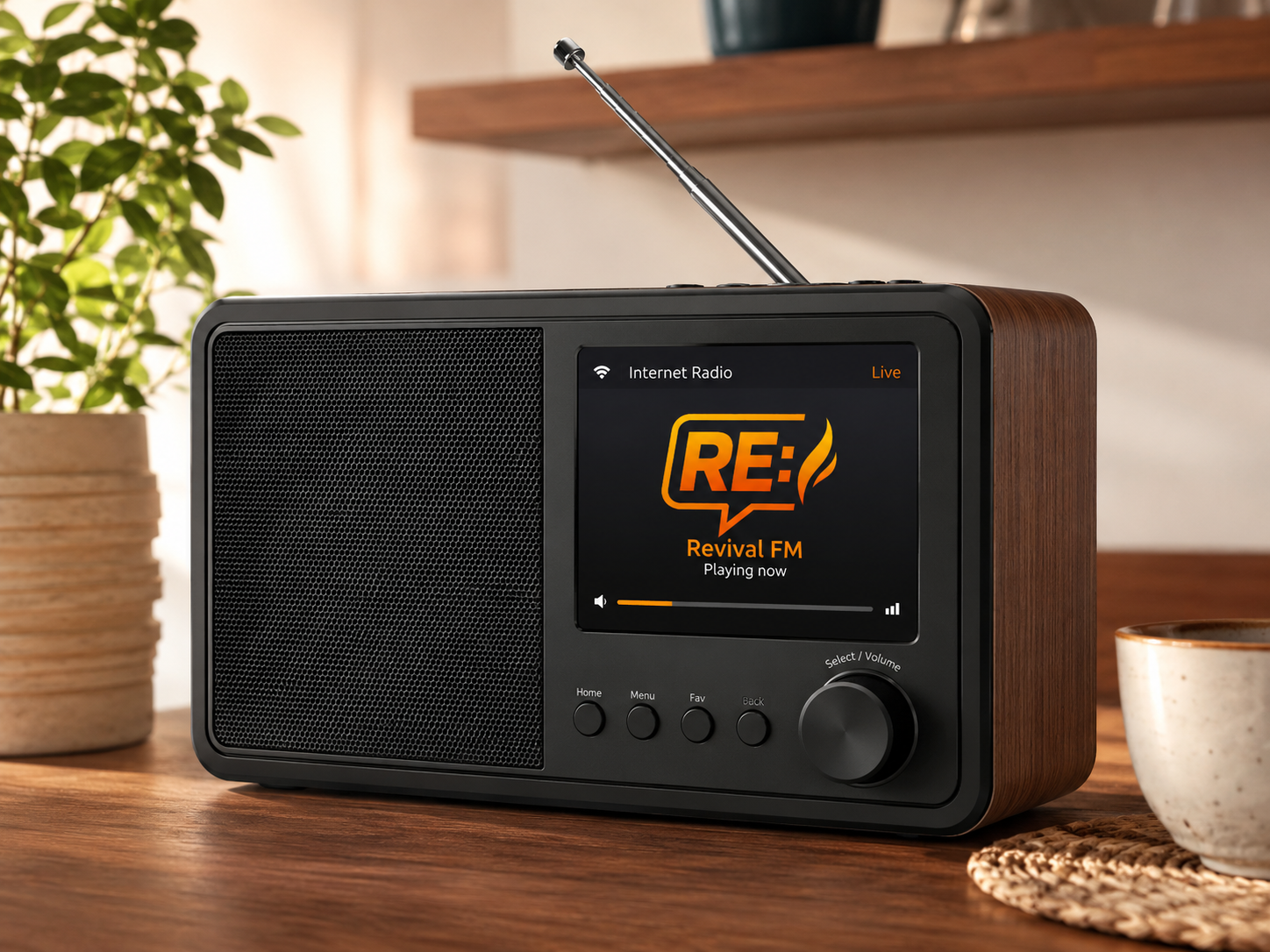
On a real internet radio
Want Revival FM on an actual radio device? Use an internet radio or Wi-Fi radio receiver. Search for Revival FM in the station directory or add our direct stream URL manually and save it as a preset.
One button. One station. All the energy.
Not limited by towers, borders or old-school radio noise.
Revival FM is clean, digital, online and ready wherever you are.
Nuff said.